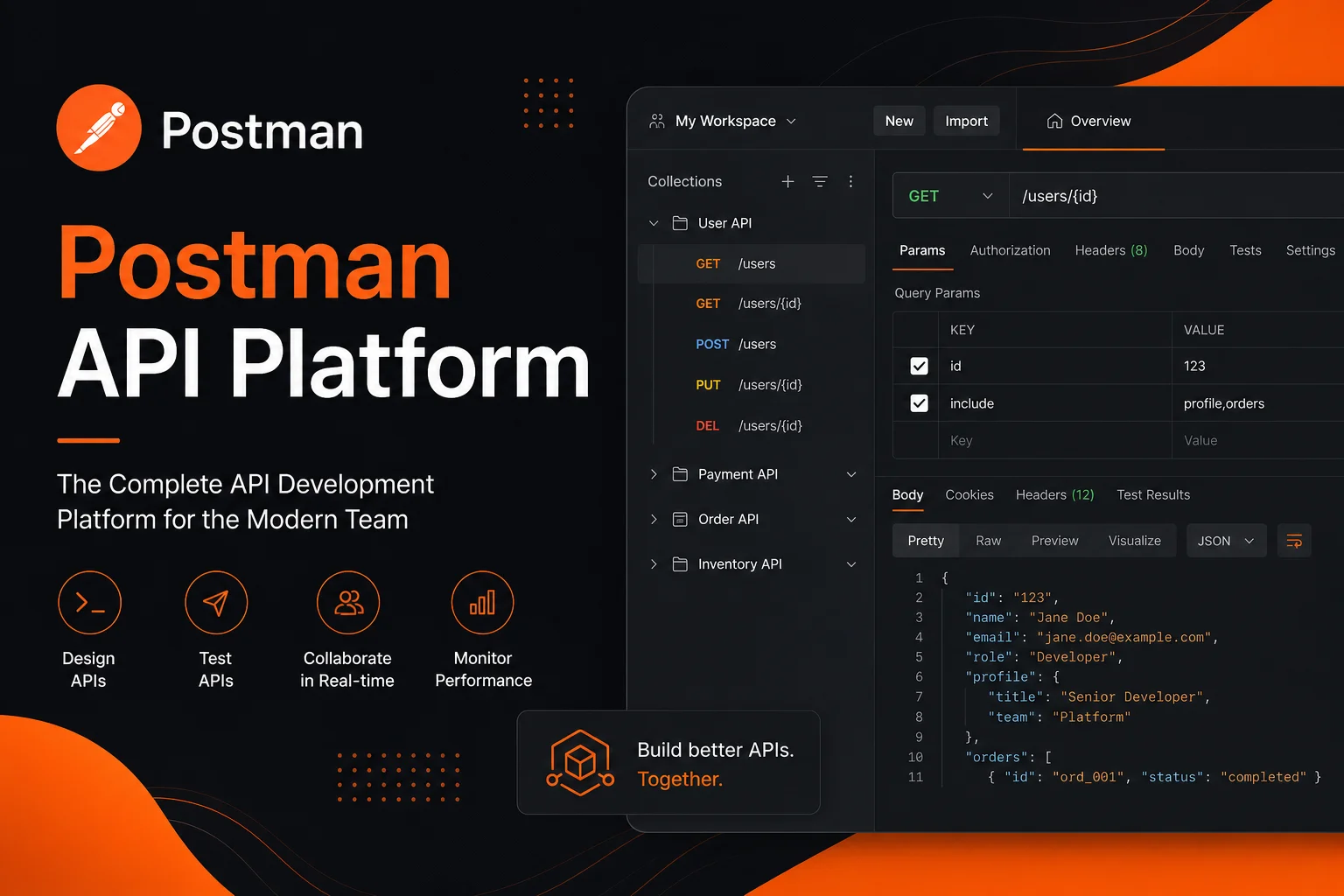
Postman: From HTTP Client to API Platform
Postman started as a simple Chrome extension for sending HTTP requests and grew into a full platform for the entire API lifecycle. Today it’s the de facto standard for teams working with APIs — from design to production monitoring. It’s used by 30+ million developers and 500,000 organizations including Microsoft, Shopify, and Twitter.
Postman’s greatest strength is solving concrete developer pain points around API work. Let’s walk through a typical scenario.
Official site: postman.com
A Developer’s Day with Postman
9:00 AM — Starting a new endpoint. You open Postman, create a collection for your microservice. Send the first request, see the response. Adjust parameters — Postman auto-fills history and environment variables.
10:30 AM — Documentation. Instead of writing docs separately, you add descriptions to requests right in Postman. Documentation is auto-generated and can be published for the team.
12:00 PM — Testing. You write JavaScript tests in Postman. Run the test collection — 48 requests, all green.
2:00 PM — Mocking. The frontend team can’t wait for a finished backend. You create a Mock Server in Postman — it responds to requests based on the API spec you’ve already defined.
4:00 PM — CI/CD. API tests run in GitHub Actions via Newman (Postman’s CLI tool). Pull requests don’t merge while API tests are red.
6:00 PM — Monitoring. Postman Monitor checks production endpoints every 15 minutes. If a 500 error appears — alert in Slack.
Key Features
API Client:
- REST, GraphQL, gRPC, WebSocket, SOAP support
- All HTTP methods, custom headers, Body (form-data, JSON, binary)
- Auto-detection of environment variables
- Pre-request and Test scripts in JavaScript
- Snippets for common operations (auth, validation)
Collections:
- Request grouping by functionality
- Folders, descriptions, example responses
- Collection-level variables
- Fork and merge (like Git)
- Export to OpenAPI, RAML, GraphQL schema
API Documentation:
- Auto-generated from collections
- Customizable design
- Interactive examples: send requests directly from docs
- Public, private, or team access
- Markdown support in descriptions
Testing:
- JavaScript test writing (Chai BDD syntax)
- Visual Test Runner
- Data-driven testing (CSV/JSON)
- Parameterized requests
- CI/CD integration via Newman CLI
Mock Servers:
- Virtual endpoints with defined responses
- Error and latency simulation
- Work without a real backend
- Frontend/backend decoupling
Monitoring:
- Scheduled collection runs (every 5–30 minutes)
- Status, response time, body checks
- Geo-distributed checks
- Alert integration: Slack, PagerDuty, email, webhook
Postman Flows:
- Visual API chaining
- Drag-and-drop interface
- Connect multiple APIs without code
- Branching, data transformation
Postman Pricing
| Plan | Price | Key Differences |
|---|---|---|
| Free | $0 | 3 collections, 3 environments, 25 mock requests/month, basic monitoring |
| Basic | $14/user/mo | Unlimited collections, 1,000 mock requests, increased monitoring |
| Professional | $29/user/mo | 10,000 mock requests, Workspaces, roles, SSO, CI/CD integrations |
| Enterprise | $59/user/mo | GitHub/Bitbucket sync, audit, Private API Network, SAML |
Postman Affiliate Program
Postman offers an affiliate program through PartnerStack — an interesting opportunity for technical bloggers, course authors, and developer platforms.
Terms:
- Commission: up to 20% per subscription (annual or monthly)
- Cookie tracking: 90 days
- Average subscriber ticket: $29–59/month → $5–12 monthly commission each
- Payouts from $50
- Access to branded materials
Monetization strategies:
- Tutorials and courses — the best approach: “How to Automate API Testing in Postman” attracts the right audience
- Comparisons with alternatives — Postman vs Insomnia, Postman vs Thunder Client
- Integrations — articles about Postman + Newman in CI/CD pipelines
- High LTV — developers who adopt Postman into their team stack rarely switch tools
Verdict
Postman is a must-have if you:
- Develop or consume APIs daily
- Work in a team with frontend/backend separation
- Want to automate API testing
- Are building an API-first product
Consider Insomnia or Thunder Client if:
- You only need an HTTP client without platform features
- Budget is tight (Insomnia is free for basic use)
- You work solo with no team collaboration plans
For affiliates, Postman is a reliable choice: strong brand, high free-to-paid conversion, good retention. Developers are a grateful audience for quality content.