What Is InVideo in 30 Seconds
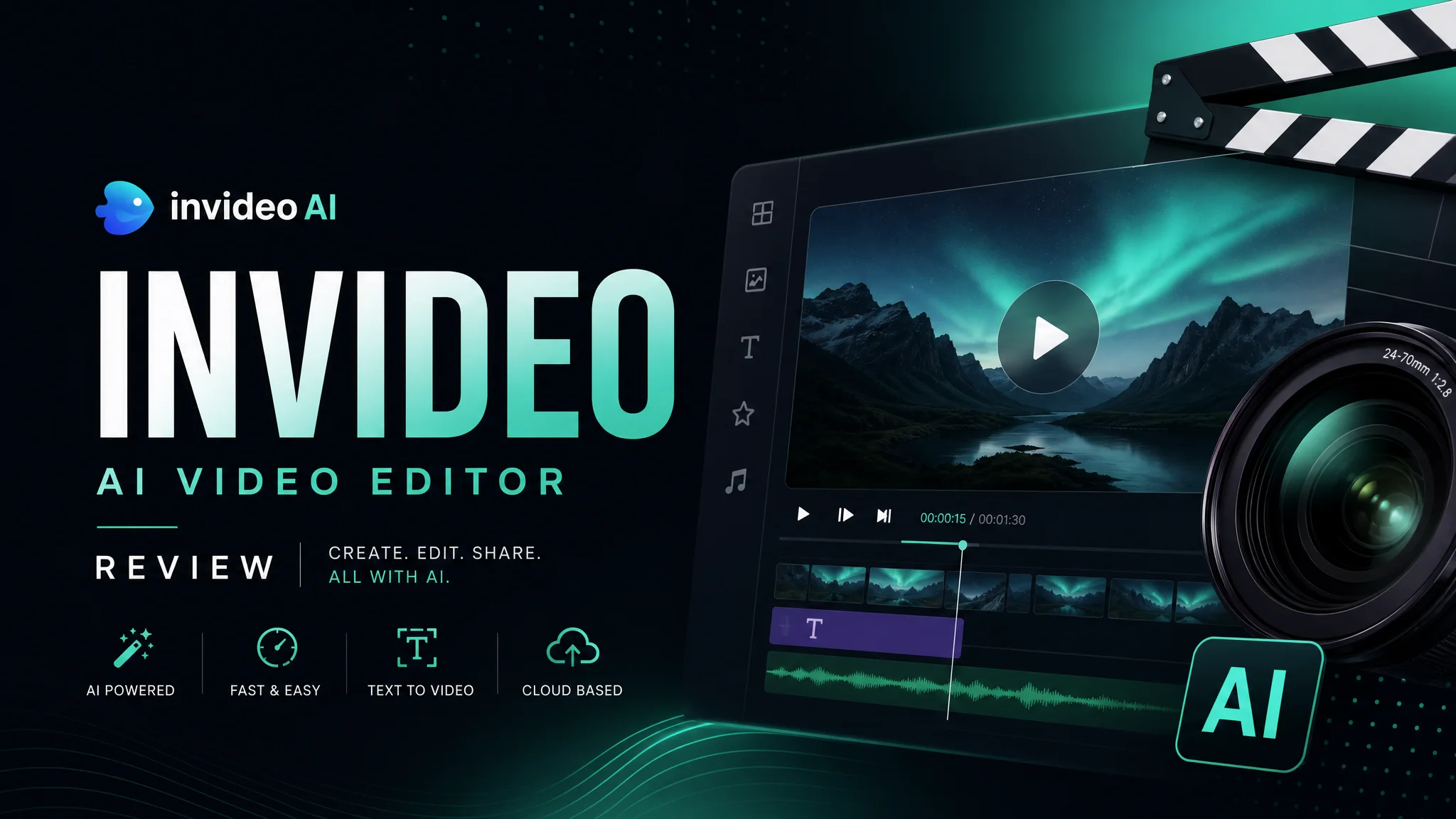
InVideo is an online video editor with an AI assistant that does two things: provides 6,000+ templates for every occasion and can turn text into a finished video. It runs in your browser — nothing to install.
Official website: invideo.io
Key Features
AI video generation from text. Enter a topic, text, or article URL — InVideo selects scenes, stock footage from the Storyblocks library, and applies AI voiceover. The entire process takes 3–5 minutes.
6,000+ templates. Organized by category: ads, social media, presentations, YouTube intros, slideshows, invitations. Templates don’t look template-y — each one can be customized beyond recognition.
Timeline editor. Unlike purely AI tools where you don’t control the output, InVideo gives you a full timeline: move clips, change transitions, add text overlays.
Auto-captions and branding. Subtitles are generated automatically (20+ languages). You can add your logo, watermark, and brand color scheme — applied across all videos.
How to Create Your First Video
- Sign up (free, no credit card required)
- Choose “Create New” → “AI Video” or “Template”
- Enter your text/link — AI produces a draft
- In the editor, swap out clips, text, and music
- Export in 1080p
From start to finish — 10–15 minutes if you don’t dive too deep into the details.
Who It’s For
Great for: marketers, social media managers, small business owners, info-product creators — anyone who needs videos regularly but has no video production budget.
Not for: professional video editors — there’s no color grading, multi-cam, or complex effects here.
Affiliate Program
InVideo offers 25% commission on every sale through their affiliate program on PartnerStack. The average annual subscription is $240, so your cut is $60. Payouts are monthly, with a $50 threshold.
Bonus: if your referral renews their subscription, you earn commission again (recurring). Affiliates get promotional materials, conversion tracking, and a personal affiliate link.
Pricing at a Glance
- Free: 10 minutes of export per week, watermark included
- Plus ($20/month): 50 minutes, no watermark, 10 iStock media assets
- Max ($30/month): 200 minutes, 100 iStock media assets, priority support
For the money, this is one of the most generous free tiers on the market. It lets you properly test the tool before committing.