I’ll be honest: I was skeptical about Glide. “An app from a Google Sheet” sounds like something from the “landing page in 5 minutes” category — a nice promise hiding a toy. But real experience changed my mind.
Website: glideapps.com
First Encounter: 45 Minutes to Results
It all started with a work task. A colleague from logistics needed a simple order tracker — drivers would mark delivery status, and the dispatcher would see the big picture. Building a “proper” app would take weeks, and nobody allocated a budget.
I opened Glide, connected a Google Sheet with three columns (order number, address, status) — and 45 minutes later I had a working app. With authentication, status filtering, push notifications on status changes, and QR scanning for quick order lookup. Zero lines of code.
How It Works — Magic and Reality
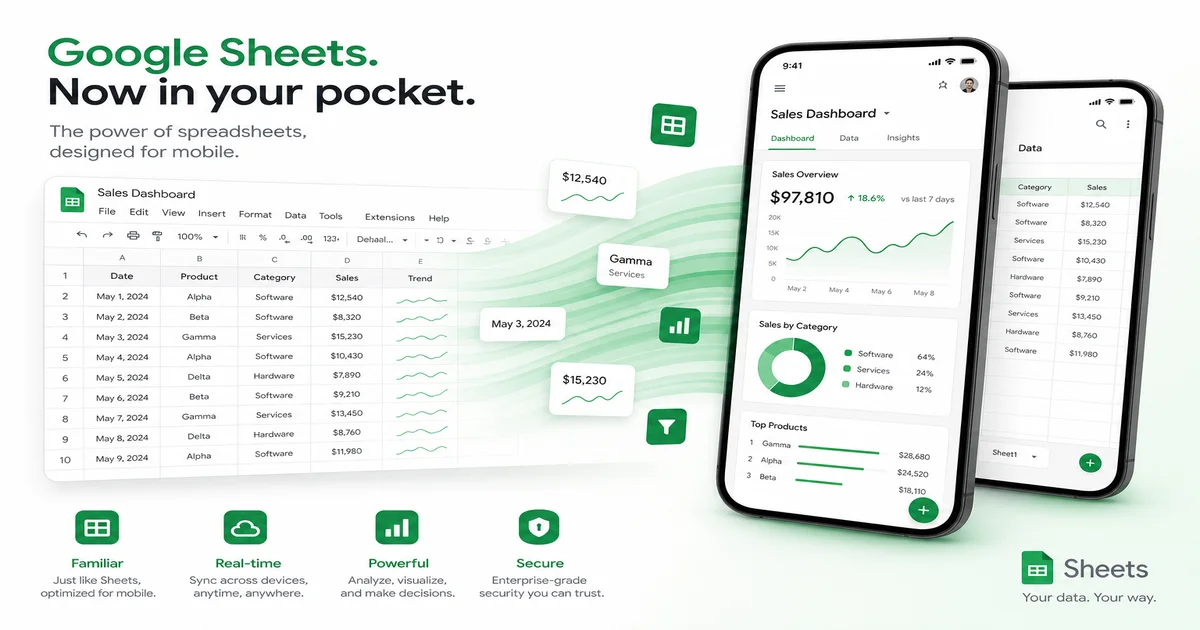
Glide operates on a “spreadsheet as source of truth” model. You connect Google Sheets, Excel, or Airtable, and Glide automatically builds the interface: lists, detail cards, edit forms, filters. Then you customize: change layouts, add screens, configure tap actions.
Glide’s strength is the entry barrier. If you can use Excel, you can already use Glide. No need to think about databases, relationships, migrations — the spreadsheet IS the database.
The weakness is the same spreadsheet. 25,000 rows on the Pro plan, 100,000 on Business. Enough for most business cases, but you can’t build a marketplace with 50,000 products.
Where Glide Shines
- Internal tools. Dashboards, trackers, CRMs — anything that lives inside a company. Glide integrates with Google Workspace like a native tool.
- Client portals. Profiles, order history, support chat — assembled in hours.
- Catalogs and directories. Supplier database, employee directory, real estate catalog — with filtering and search.
- Event management. Registration, program, notifications — full cycle in a day.
Affiliate Program: What You Get
Glide offers 20% commission on referrals via PartnerStack. Plans range from $25/month (Starter) to $99/month (Business). The average ticket isn’t high, but first, conversion is easy — Glide has a generous free tier and smooth onboarding. Second, the internal business tools niche is growing 30% annually, and Glide leads in ease of entry.
90-day cookies, payouts from $50. Not the richest affiliate program in dollars, but the easiest to convert.
Who It’s For
Small business owners, project managers, administrators — anyone who needs to quickly automate a process without developers. If your audience works with spreadsheets, Glide will be a revelation to them.
What Went Wrong: My Mistakes
I overcomplicated my first Glide app. I tried to model everything: roles, permissions, cascading filters, computed fields via complex formulas. Result — the app took 4 seconds to load on startup. The solution was simple: Glide loves simplicity. One table per screen, minimal computed fields, built-in navigation instead of custom. After refactoring, load time dropped to 1.5 seconds.
Lesson two: don’t skimp on the plan. The free tier shows a Glide banner in the app — for client portals, that looks unprofessional. Upgrading to Starter ($25/month) removes branding and adds push notifications — pays for itself instantly.
Hidden Gems
Glide can do more than meets the eye. Built-in AI (Glide AI) generates interfaces from text descriptions — say “make a sales dashboard with a monthly chart” and get a scaffold. Actions let you call external APIs — you can integrate Telegram, Slack, or your own CRM. And Computed Columns bring Excel-like formulas right into the spreadsheet: VLOOKUP, IF, dates — all familiar functions.