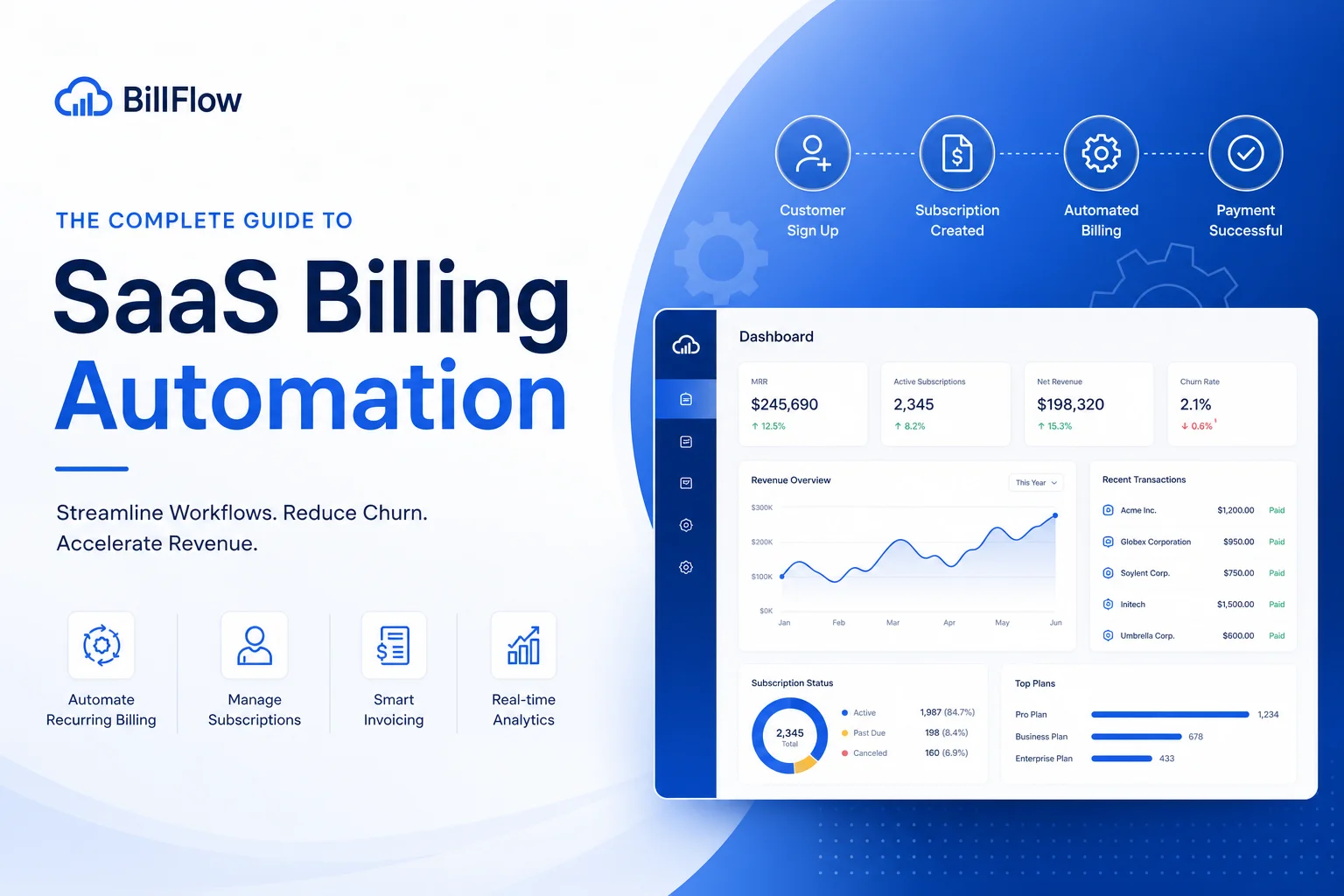
If you’re still sending invoices manually or your “billing” is just Stripe with default settings, this guide is for you. Full billing automation (zero-touch billing) frees up dozens of hours per month and directly increases revenue — through dunning management and involuntary churn reduction. Let’s map the path from chaos to system.
Recommended platforms: stripe.com, chargebee.com
Step 1: Audit Your Current State
Before choosing a tool, honestly answer these questions:
-
How many paying customers do you have? Under 50 — Stripe + manual actions may suffice. 50–500 — automation needed. 500+ — billing platform is mandatory.
-
What payment models? Monthly subscriptions only? Annual with quarterly billing? Usage-based? One-time purchases? Freemium-to-paid?
-
Where are your customers? If in 5+ countries — automated taxes needed. If only one country — tax compliance is simpler.
-
What payment methods? Cards only? Or do you need PayPal, SEPA, iDEAL, bank transfers?
-
What’s your failed payment rate? If you don’t know — that’s already a problem. Normal: 3–8%. If higher — you’re losing money.
Step result: a list of billing system requirements. Example: “Subscriptions + annual, customers in EU/US/Asia, 200 paying, need cards + PayPal.”
Step 2: Choose a Billing Platform for Your Scenario
Scenario A: Solo developer, up to 100 customers, simple subscriptions
- Solution: Stripe Billing (basic) or Paddle
- Stripe Billing: if you’re ready for tax compliance
- Paddle: if you want to forget about taxes (MoR)
- Cost: Stripe 0.5% on top of processing / Paddle 5% all-inclusive
Scenario B: Growing startup, 100–1000 customers, flexible models
- Solution: Chargebee or Recurly starter plans
- Chargebee Launch: up to $100K billing free
- Recurly Core: from $249/month
- What you get: dunning, trial management, coupons, churn/MRR analytics
Scenario C: Enterprise, 1000+ customers, complex contracts
- Solution: Recurly or Chargebee enterprise plans
- Key features: multi-entity, custom revenue recognition, AI-driven dunning
- Cost: from $2,000/month, custom pricing
Scenario D: Marketplace or platform
- Solution: Stripe Connect
- If you need to split payments between sellers and the platform
- Stripe Connect + Stripe Billing = full stack
Step 3: Set Up Plans and Pricing
This is the most important step — plan structure affects conversion and revenue more than any other factor.
Good structure rules:
- 3–4 plans maximum (paradox of choice — more plans = fewer conversions)
- Annual plan with 15–25% discount (increases LTV and reduces churn)
- 7–14 day trial with card required (without card — 70%+ don’t convert)
- Starter plan should be cheap ($9–19/month) to capture the audience
Setup in your billing system:
- Create Product Catalog: plans, add-ons, metered charges
- Configure trial → paid transition
- Create coupons: welcome offer (20% off first month), win-back (50% off 3 months), annual upgrade ($50 off)
- Configure upgrade/downgrade logic: pro-rata recalculation when changing plans
Step 4: Dunning Management — Recover Failed Payments
Involuntary churn (customer wants to pay, but the payment fails) accounts for 20–40% of total churn. Dunning management recovers this money.
Basic setup (any platform):
- Smart retry: Stripe and billing platforms automatically retry charges according to rules (after 1, 3, 5, 7 days)
- Account updater: automatic card data updates (Visa/Mastercard Account Updater)
- Pre-dunning emails: reminder 3 days before charge if card is expiring
Advanced setup (Recurly, Chargebee Performance+):
- AI-driven retry timing — the system chooses the optimal retry time
- Cascading payment method switch (card → PayPal → SEPA)
- Personalized dunning emails (Recurly A/B tests emails and optimizes)
Set up the email campaign:
- Day 1 after fail: “Looks like a card issue — please check your details” (friendly)
- Day 5: “Your subscription will be suspended” (urgency)
- Day 14: “Last chance to keep your data and discount” (win-back)
- Day 30: cancel subscription
Check: you should see the Recovery Rate metric (how many failed payments were recovered). Target: 30–50% with basic setup, 50–70% with AI-driven dunning.
Step 5: Taxes and Compliance
For MoR solutions (Paddle, LemonSqueezy, Gumroad):
- Do nothing — the platform collects and remits taxes
- Check: is your company address correct in the account (affects your taxes on payouts)
For Stripe:
- Enable Stripe Tax (0.5% of transaction)
- Register for VAT MOSS/OSS if selling to Europe
- Track economic nexus by US state ($100K or 200 transactions = registration)
- Set up product tax codes (SaaS is usually “digital goods”)
- Automatically apply tax exempt for B2B clients (VAT ID support)
Invoicing:
- Automatic invoices after each transaction
- Branded invoice template (logo, address, tax details)
- Multi-language invoice support (if customers in 5+ countries)
Step 6: Reporting — What to Track
Set up a dashboard with key metrics. Without this, you don’t know if automation is working.
Daily:
- New MRR (new subscriptions)
- Failed payments (need attention)
- Successful charges (is everything processing?)
Weekly:
- Churn rate: voluntary vs involuntary
- Trial conversion rate
- Average revenue per user (ARPU)
Monthly:
- Net MRR Growth: new + expansion — churn — contraction
- LTV/CAC ratio (target >3)
- Dunning recovery rate
- Tax summary for your accountant
Tools: built-in Chargebee/Recurly analytics + export to Stripe Sigma / Metabase / Google Sheets for custom reports.
Step 7: Billing Customer Support
Billing automation doesn’t eliminate customer questions. Prepare:
Self-service portal:
- Customer can change their plan, update card, view payment history
- Chargebee and Recurly provide hosted customer portals
- Stripe: Customer Portal out of the box
Support response templates:
- “I was charged twice” → how to check and refund
- “I want to upgrade from annual to monthly” → pro-rata logic
- “I didn’t receive my invoice” → how to find and download
- “Refund me” → refund policy and process
Automatic triggers:
- On failed payment → email to customer (not just dunning, but a human message)
- On successful annual renewal → thank you
- On downgrade → “why are you leaving” survey (collect churn reasons)
Step 8: Regular Billing Audit
Quarterly checks:
- All plans active and current (remove “dead” plans)
- Price competitiveness (compare with competitors)
- Dunning recovery rate (rising or falling?)
- Tax rates (updated in customer-source countries?)
- Failed payment patterns (specific countries, banks, card types?)
Tools from This Guide
| Tool | Scenario | Starting Price |
|---|---|---|
| Paddle | MoR, taxes out of the box | 5% + $0.50 |
| Stripe Billing | Flexible control, payment gateway | 0.5% on top of processing |
| Stripe Connect | Marketplaces, platforms | Custom rates |
| Chargebee | SaaS billing, start — enterprise | Free up to $100K |
| Recurly | Enterprise billing, AI dunning | From $249/month |
| LemonSqueezy | MoR for small SaaS | 5% + $0.50 |
Affiliate Potential of This Topic
Billing is a high-conversion niche for affiliate marketing. SaaS founders actively search for billing solutions, and the average customer ticket ($50–500/month) provides good recurring commissions.
Best affiliate programs in billing:
- Paddle: 20% recurring (PartnerStack)
- Chargebee: 20% of first year
- Recurly: 15% recurring
- Stripe: revenue share (for agencies)
Content that converts: comparisons (Paddle vs Stripe), setup guides (how-to), savings calculators (Stripe + accountant vs Paddle).
Conclusion
Billing automation isn’t a one-time task — it’s a process. Start small: connect Paddle or Stripe Billing. Add dunning. Set up analytics. Over a quarter, you’ll see: 10–20% less involuntary churn, 5–10 fewer hours of manual work per month, less stress from tax compliance.
And remember: every hour spent on manual billing is an hour not spent on your product.