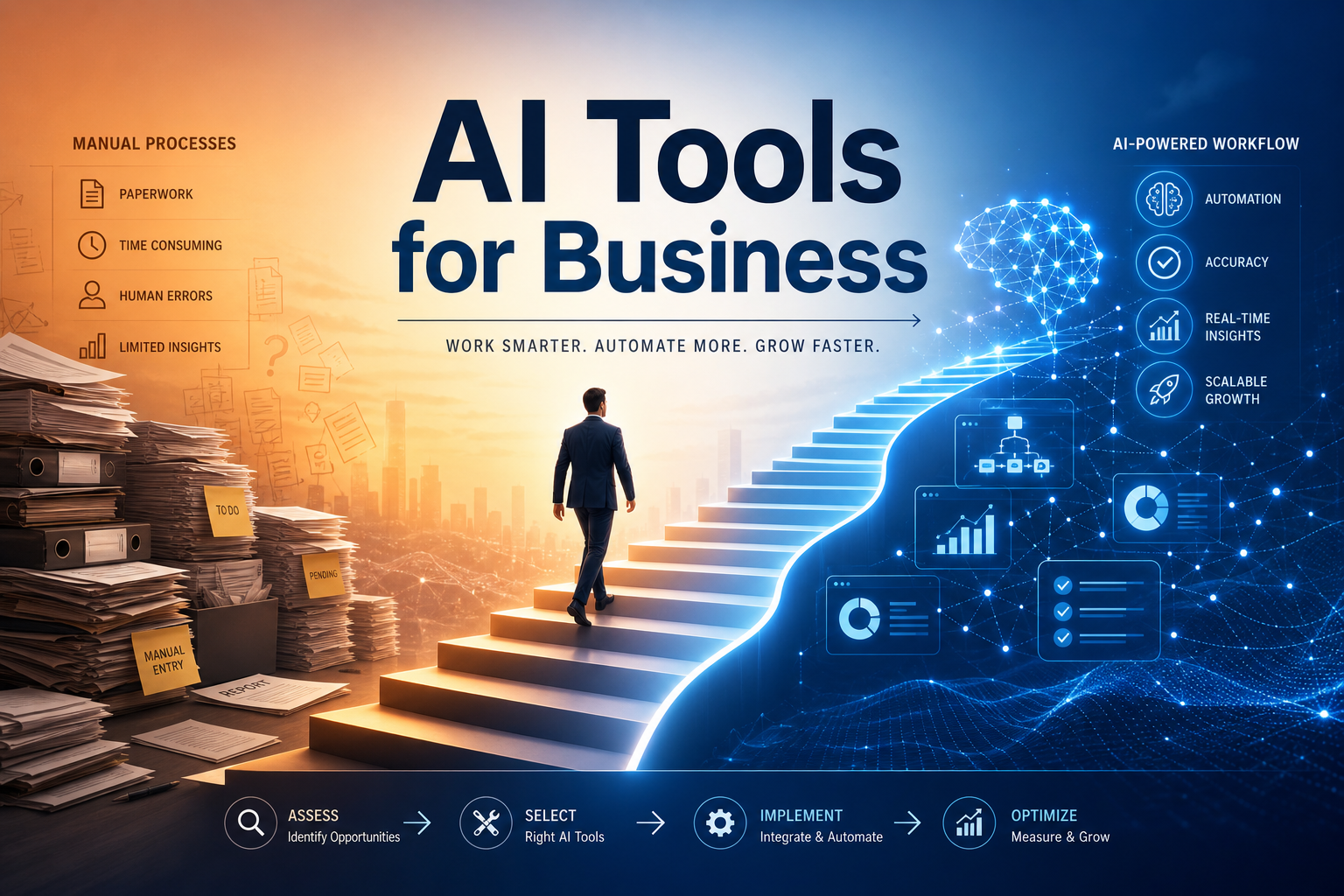
What This Guide Is About
600+ AI tools. 50+ categories. Every day — a new service labeled “revolutionary.” In practice, most businesses get lost at the selection stage and either implement nothing or implement chaotically and end up disappointed.
Recommended platforms: openai.com, claude.ai
This guide is not a list of tools — it’s a methodology for selection and implementation. No hype — only actionable steps.
Step 1: Audit Current Processes (2–4 hours)
Before looking at AI, figure out where you actually need it. Take a piece of paper and list the 5–10 most time-consuming repetitive tasks your team handles.
Example for a small marketing agency:
| Task | Hours/week | Frequency | Task Type |
|---|---|---|---|
| Writing social media copy | 15 | Weekly | Text → Text |
| Finding stock images | 4 | Weekly | Text → Image |
| Editing short Reels videos | 8 | 3×/week | Text → Video |
| Preparing client reports | 6 | Monthly | Data → Text |
| Transcribing calls | 3 | Weekly | Audio → Text |
Selection Rule: AI is justified if the task:
- Takes >3 hours per week
- Repeats regularly
- Has clear inputs and outputs
- Doesn’t require unique creative decisions every time
In the example above, AI automation is viable for all five tasks.
Step 2: Matching Tools to Tasks (3–5 hours)
For each task from Step 1, select 2–3 AI tools. Test on real use cases, not demo examples.
Selection Matrix for Our Example:
| Task | Tools to Test | Evaluation Criteria |
|---|---|---|
| Social media copy | Copy.ai, Writesonic, Claude | Text quality, brand voice, speed |
| Stock images | Midjourney, Leonardo AI | Realism, style, licensing |
| Reels videos | InVideo, Pictory, Lumen5 | Generation speed, subtitle quality |
| Reports | Claude + Google Sheets | Structure, analytics, formatting |
| Call transcription | Speechify, Fireflies, Otter | Accuracy, language, calendar integration |
Critically Important: test on YOUR materials. A demo with a perfect article is one thing — your real post with industry terminology and style is another. The quality difference can be radical.
Step 3: Pilot Implementation (2 Weeks)
Pick 1–2 tasks and one tool. Don’t try to automate everything at once — that’s a sure path to disappointment.
Pilot Structure:
- Week 1: parallel work — human does their thing, AI does its thing
- Week 2: AI does the work, human edits
- Success metric: reduced time on task without quality loss
Real-World Example: an agency started by automating call transcription (Fireflies.ai). Results after 2 weeks:
- Time per meeting minutes: 45 min → 15 min (–67%)
- Transcription accuracy: 95% (Russian language)
- Team rated convenience: 8/10
One win builds momentum for implementing the next tool.
Step 4: Standardization & Training
After a successful pilot, document the workflow:
AI Workflow Documentation Checklist:
- What task the tool solves (in one sentence)
- Step-by-step usage guide (with screenshots)
- Common mistakes and how to fix them
- Point of contact for tool-related questions
- Prompt library (query templates for repetitive tasks)
The prompt library is an underrated asset. Instead of every employee inventing prompts from scratch, create 5–10 tested prompts for each task. Example for Copy.ai:
BAD: "write a post about the new feature"
GOOD: "Write a LinkedIn post about feature {X} of product {Y}.
Tone: expert, no emojis. Structure: problem → solution → specific
result → call for discussion. Length: 150–200 words.
Facts: {list of facts}. Don't mention competitors."
Step 5: Scaling & Efficiency Audit
One month after full implementation, conduct an audit:
What to Measure:
- Time saved (in hours × employee rate = savings in money)
- Output quality (subjective team rating, 1–10)
- AI tool subscription cost
- ROI = (savings — subscription cost) / subscription cost
Typical ROI After 3 Months of Implementation:
- Copywriting: 300–500% (main saving — copywriter time)
- Video production: 200–400% (main saving — video editor)
- Transcription: 500–800% (fast payback of cheap tools)
Decision-Making:
- ROI > 200% → keep and scale to other tasks
- ROI 100–200% → keep, but look for better-priced alternatives
- ROI < 100% → reconsider: maybe the tool doesn’t fit the task
Which Tools for Which Business Functions
Quick reference by function and tools:
| Business Function | Recommended AI Tools | Expected Savings |
|---|---|---|
| Copywriting | Copy.ai, Writesonic, Claude | 40–60% of time |
| Video Marketing | InVideo, Pictory, Synthesia | 50–70% of time |
| Design/Images | Midjourney, Leonardo AI | 30–50% of stock budget |
| Presentations | Gamma, Tome | 60–80% of time |
| Voiceover/Audio | Murf AI, Speechify | 70–90% of voice actor cost |
| Customer Support | Intercom Fin, Crisp AI, Tidio | 40–60% of tier-1 tickets |
| Data Analysis | Claude, ChatGPT + CSV | 50–70% of analyst time |
| Content Translation | DeepL, Claude | 60–80% of translator cost |
Common Implementation Mistakes
Mistake 1: Implementing AI for the sake of AI. If a task takes one hour a month — AI won’t pay off. Start with the most time-consuming repetitive processes.
Mistake 2: Expecting 100% quality without a human. AI reduces time but requires human oversight. Best model: AI creates a draft → human edits. This delivers 50–70% time savings while preserving quality.
Mistake 3: Switching all tools at once. The team can’t adapt, and sabotage is guaranteed. Implement one tool per month.
Mistake 4: Ignoring data security. Check where your data is stored when using AI tools. Don’t upload confidential information to public AI services without an enterprise agreement (DPA).
The Affiliate Angle
Virtually all the tools listed have affiliate programs. If you’re an agency, consultant, or content creator — this is an additional income stream:
- Average AI service commission: 15–30% of subscription
- Many offer recurring (lifetime commission)
- Affiliate links can be embedded in reviews, comparisons, and guides (like this one)
At an average subscription of $25/mo and 20% commission, each referral brings $60/year. 50 referrals = $3,000/year in passive income. It’s not a replacement for your main business, but a nice bonus.
Implementation Checklist
- Audit: list of 5–10 repetitive tasks
- Selection: 2–3 candidate tools per task
- Test: verify on real materials (not demos)
- Pilot: 2-week implementation of 1–2 tools
- Documentation: workflow + prompt library
- ROI Audit: one month after implementation
- Scaling: next tool based on audit results
Start today — in one month, the ROI will be visible in money saved and time freed up. EN_AI_GUIDE" 2>&1