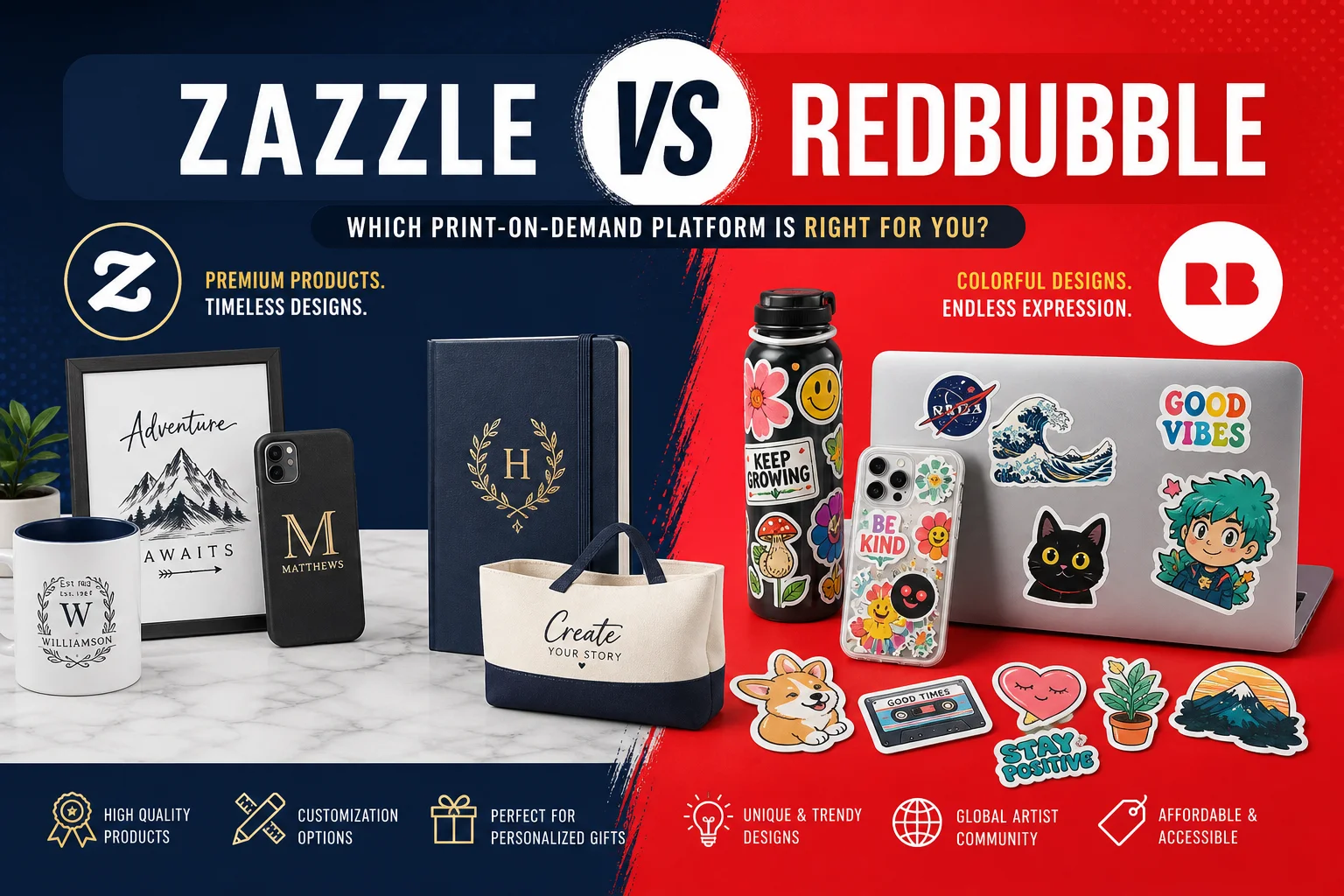
Zazzle vs Redbubble: Architectural Analysis of Two POD Giants
Print-on-demand is a market where the designer keeps no inventory, doesn’t print, and doesn’t ship. You create a design, upload it, and the provider handles everything else. Zazzle and Redbubble are the two largest players in this niche, but their approaches are fundamentally different.
Design Editor: Proprietary Monolith vs Open Approach
Zazzle is built around the Design Tool — an in-browser editor that places vector graphics on physical products with millimeter precision. It supports layers, object groups, batch design replacement, real-time preview with bleed zones, and CMYK/Pantone support at the design stage.
Technically, Zazzle’s editor renders previews via WebGL on the client side, while the final product goes through a server-side SVG-to-CMYK pipeline. This gives precise preview-to-result matching but makes the editor heavy — slow machines experience rendering lag.
Redbubble went the other way. Their editor is minimal: upload a transparent PNG, choose sizing (fit, fill, tile), move it — done. No layers, no CMYK preview, no batch processing.
For complex designs, Zazzle gives radically more control. For simple ones, Redbubble is faster — 30 seconds from upload to publish.
API and Automation
The gap here is critical.
Redbubble API — virtually nonexistent. No public API for uploading designs. Everything is manual through the web interface. There’s a Partner Program API for sales tracking, but that’s for affiliates, not creators.
Zazzle API includes a Product API (REST), Create-a-Product API for programmatic uploads with placement coordinates, and an Associate API for affiliate tracking.
Practical consequence: on Zazzle you can write scripts that auto-generate merchandise for events. On Redbubble this is impossible — manual upload only.
Economics and Royalties
On paper the rates are close, but structurally different.
Redbubble: Standard royalty 20% of sale. Can raise to 25-30%, but the product price increases. Account fee applied to high-volume accounts.
Zazzle: Royalty from 5% to 99%, default 15%. Base price is higher, but no hidden fees.
Real world: a t-shirt. Redbubble: base, 20% royalty = .80 for the designer. Zazzle: base, 15% = .25. But you can set 25% = .75 at .75. Redbubble pays more by default, Zazzle gives more control.
Traffic and Audience
SimilarWeb data (July 2026): Redbubble ~25M monthly visitors vs Zazzle ~8M. Redbubble has triple the traffic. But Zazzle’s audience is older (median 35 vs 22) with higher AOV and conversion rate.
Print Quality
Redbubble uses distributed local print shops with DTG (Kornit, Brother GTX). Color profile: sRGB, no CMYK support. Colors may differ from screen.
Zazzle controls production more tightly — mandatory color calibration to a unified CMYK profile. Production partners are certified. In practice, a Zazzle t-shirt more often matches the mockup, especially on dark fabrics and complex gradients.
Product Range
Redbubble: 70+ products, focused on apparel, stickers, posters, phone cases. Zazzle: 1500+ products — from business cards to skateboards and canvases.
Affiliate Programs
Redbubble: in-house program, 10-20% commission, 30-day cookie. Zazzle: via Impact and Rakuten, 5-15% commission.
Redbubble pays higher percentages, but Zazzle has higher AOV and a more conversion-ready audience.
When to Choose Which
Choose Redbubble if: you’re a beginner wanting organic traffic, your designs are simple PNGs, you work in popular categories, and you don’t want to deal with APIs.
Choose Zazzle if: you have complex vector designs, want API automation, work with custom products, and your audience is 30+.
Official sites: zazzle.com | redbubble.com