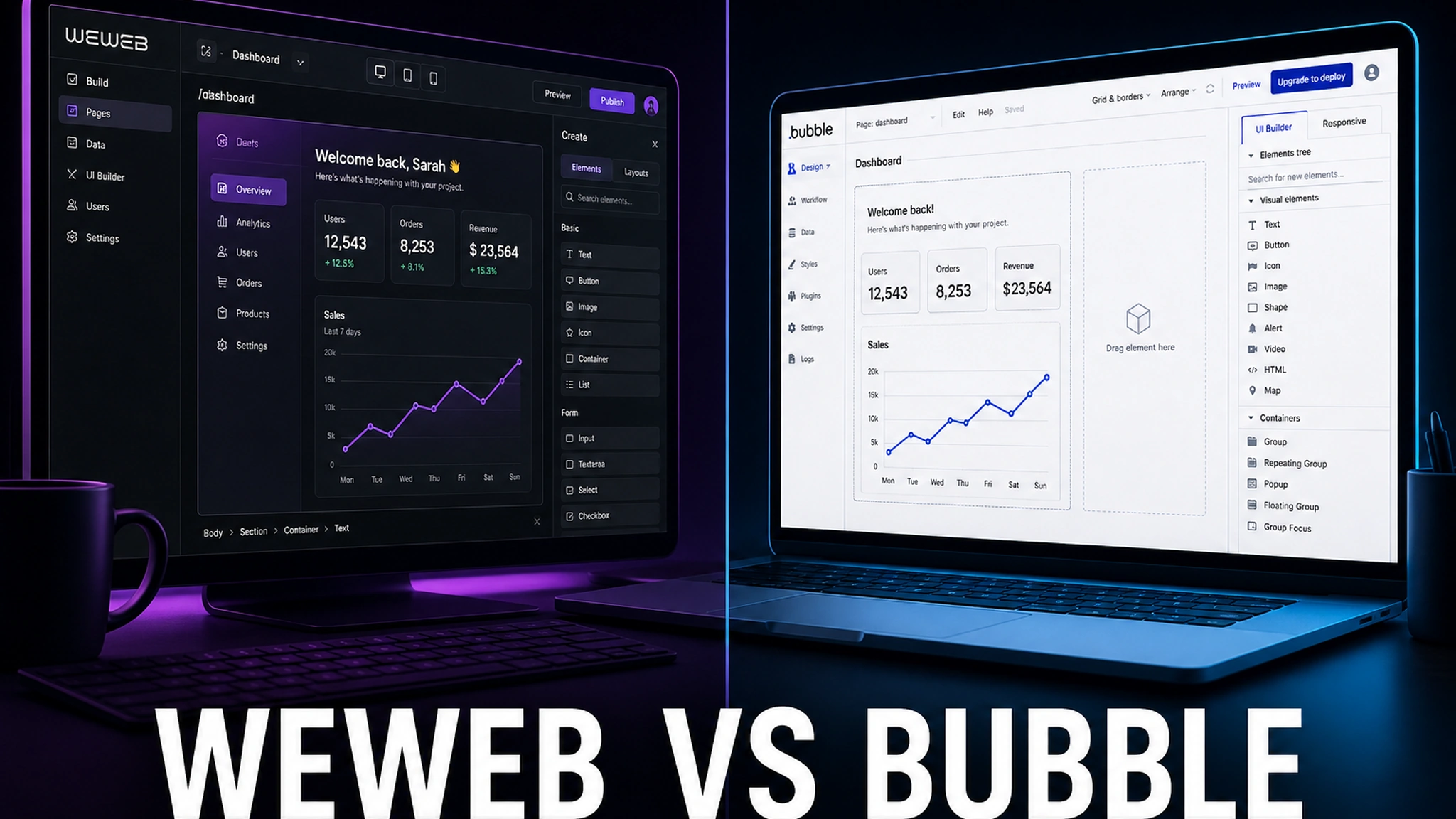
WeWeb and Bubble keep landing on the same “best no-code app builders” lists, yet they are fundamentally different tools. Bubble is a monolith: front end, proprietary database, workflow engine and managed hosting all in one login. WeWeb is an interface builder that outputs standard Vue.js code and pulls its data from a backend you control.
That distinction — not the feature checklist — is what decides which one fits your project. This comparison covers both products honestly: architecture, design, pricing, mobile, SEO and, crucially, what happens to your app three years from now.
Where the no-code market stands in 2026
Bubble has been around since 2012 and spent years as the default answer to “build a web app without a developer.” Its promise is simple: everything in one place, so you never think about databases, servers or deployment.
WeWeb, a product out of Bordeaux, launched in 2021 into a different niche: not “replace your developer” but “speed up front-end work.” The idea is that a designer or full-stack developer assembles the interface visually and gets clean Vue.js code they can host anywhere.
The defining event of 2026 was WeWeb’s launch of a native backend on April 8: WeWeb Tables (Postgres), built-in authentication, file storage and auto-generated CRUD APIs. Before that, WeWeb was strictly front end and needed an external backend (Supabase, Xano, Airtable). Now it is much closer to full-stack, which makes older comparisons partly outdated.
WeWeb: a front-end builder that exports code
WeWeb generates a single-page application (SPA) in Vue.js 3 that runs in the browser. It is a decoupled front end: the tool owns the interface but does not dictate where your data lives.
Architecture and backend flexibility
The default WeWeb setup connects to any data source over REST, GraphQL, Supabase, Xano, Airtable or a plain SQL database. Business logic and access control live on the backend; WeWeb handles presentation.
For some teams that is a plus (full control); for others it is a minus (you need backend skills). The honest framing: WeWeb is half a stack. Without technical capacity on your team, you either learn Supabase/Xano or hire someone who has.
Design and pixel-perfect control
This is WeWeb’s strongest suit. The interface is adjustable down to CSS, with Figma import, support for NPM packages and custom Vue.js components. Marketing pages, multilingual sites and complex design systems come together far faster in WeWeb than in Bubble.
When visual quality and Lighthouse scores matter, this is the deciding factor.
WeWeb’s native backend (April 2026)
The new backend gives you relational Postgres tables, auto-generated CRUD APIs, built-in authentication and file storage. It closes the classic “WeWeb is not a full stack” objection — but if you bring your own backend, you may not use these features while still paying for them inside your plan.
Copilot and AI
WeWeb ships Copilot 2.0, an AI generator for interfaces and workflows, plus its own MCP server for AI tooling integration. Access to AI features is token-based, and users often note the minimum token bundle is billed even if you never use it.
WeWeb pricing
After the 2026 overhaul, pricing splits into two independent dimensions:
- Seat plan — the right to build, AI tokens and code export. Tiers: Free, Essential, Pro, Partner.
- Hosting plan — WeWeb Cloud hosting. Tiers: Free, Launch, Grow, Scale. Only needed if you do not self-host.
Key numbers (verify at pricing.weweb.io — prices rose on February 12, 2026):
- Free — $0, build and preview only, no published live app.
- Essential — roughly $25–29/mo, includes code export and GitHub sync. This is the tier where self-hosting rights begin.
- Pro — around $50+/mo per seat, adds collaboration and team features.
- Hosting (Launch/Grow/Scale) — billed separately from the seat plan if you host on WeWeb Cloud.
The core economic principle: you pay for seats and hosting, not for traffic. End-user actions or database queries never inflate the bill.
Bubble: an all-in-one full-stack platform
Bubble is a complete no-code development environment. One interface holds a visual editor, a proprietary graphical database, a server-side workflow engine, a plugin marketplace and managed hosting. With 400+ employees and over $150M raised, it is a substantial company.
Everything in one box
That monolith is exactly why a non-technical founder can ship a product from scratch — no database to wire, no backend to configure, no deployment to learn. The trade-off is stark: code is not exportable on any plan. You cannot take a Bubble app with you; you can only export your data.
Workload Units: the metered model
Bubble measures load in Workload Units (WU): a page load is roughly 0.5–2 WU, a complex search 10–50 WU. Plans include a bundle of WUs, and overage costs $0.30 per 1,000 WU.
Bundles run roughly 50,000 WU on free, 175,000 on Starter, 250,000 on Growth and 500,000 on Team. The practical consequence: your bill tracks traffic and app logic, not business value, and it is hard to forecast before launch. A viral or seasonal spike can trigger a meaningful overage.
Plugins and native mobile
Bubble’s ecosystem is its strength: 1,000+ plugins with one-click Stripe, Twilio, OpenAI and Google Maps integrations. Plus an advantage WeWeb simply lacks — a native mobile app builder for iOS and Android on React Native, with App Store and Google Play publishing.
Bubble pricing
Current tiers (verify at bubble.io/pricing — sources vary by date):
- Free — $0, a real live app on a bubble.io subdomain, no custom domain.
- Starter — roughly $29–32/mo, 175,000 WU, custom domain.
- Growth — about $119–134/mo, 250,000 WU, up to 2 editors.
- Team — around $349–399/mo, 500,000 WU, up to 5 editors, sub-apps.
- Mobile — separate line for native apps, from ~$49–59/mo.
- Enterprise — custom.
Side-by-side comparison
- Architecture — WeWeb: front end + external or new native backend; Bubble: monolith (front end + DB + logic + hosting).
- Code export — WeWeb: yes, standard Vue.js SPA; Bubble: none at any price.
- Self-hosting — WeWeb: yes, from the Essential tier; Bubble: no, cloud only.
- Database — WeWeb: yours (Postgres/Supabase/Xano/Airtable); Bubble: proprietary.
- Billing model — WeWeb: per seat and hosting, no usage metering; Bubble: per WU, scales with load.
- Design and layout — WeWeb: full control, Figma import, NPM; Bubble: more limited, needs workarounds.
- Mobile apps — WeWeb: no native build; Bubble: yes, iOS/Android via React Native.
- Plugins — WeWeb: fewer, but NPM and Vue components; Bubble: 1,000+ one-click.
- Learning curve — WeWeb: needs backend know-how; Bubble: minimal, all in one place.
- Lock-in risk — WeWeb: low (your code, your backend); Bubble: high (a move means a rewrite).
Pricing in practice: two scenarios
Solo developer, small live app. WeWeb path: Essential (~$25/mo) + self-hosting on Vercel/Netlify (often $0–20) + backend (Supabase Free or $25/mo). Total roughly $25–50/mo with no traffic-driven surprises. Bubble path: Starter ($29–32/mo), but as activity grows and premium plugins stack up, the real bill climbs to $80–150/mo.
A 5-person SaaS team. On WeWeb this is several seat plans plus hosting and a backend — the total can rival Bubble Team, especially on WeWeb Cloud hosting. On Bubble it is a move up to Growth/Team plus WU overages at peaks. Bottom line: WeWeb is cheaper on subscription, but not automatically cheaper in total — backend and hosting are separate line items. Bubble costs more on the sticker price but bundles the database and hosting in.
SEO and performance
WeWeb serves a Vue.js SPA that loads fast over a CDN; with self-hosting you control caching, domain and server-side rendering setup entirely. For SEO-sensitive projects and landing pages, that is an edge.
Bubble runs on shared infrastructure, and on complex pages that can affect speed. Built-in features like server workflows and search make development faster, but you pay for them in WU.
Vendor lock-in and migration
This is the factor most teams ignore at the start and pay the most for later.
Bubble does not export code — only data. Leaving Bubble effectively means rebuilding the application. Practitioners estimate a Bubble → WeWeb migration at around three months. If you are building for the long term, that is a price you should understand up front.
WeWeb generates standard Vue.js code, supports self-hosting and GitHub sync. Your project stays an asset you can carry off the platform. For ambitious products, funded startups or teams with code-ownership requirements, this is the single strongest argument for WeWeb.
Which one is right for you
Choose Bubble if: you are a non-technical founder who wants a working full-stack app as fast as possible; you need native mobile apps for the App Store and Google Play; a marketplace with a thousand ready plugins matters to you; you expect modest, predictable traffic.
Choose WeWeb if: you want control over design and layout; you want to own the code and stay independent of the vendor; you already have — or are ready to run — your own backend; SEO and load speed matter; you are building for the long haul and plan to scale.
Verdict
WeWeb and Bubble are no longer a clear “Bubble wins by default” story. With its native backend (April 2026), WeWeb narrowed the biggest gap, and its traffic-free billing removes the fear of unpredictable invoices. On the other hand, Bubble remains the fastest route from idea to a working app and the only one of the two that can publish native mobile apps.
A simple rule: Bubble when speed and an all-in-one box matter most; WeWeb when control, code and design matter most. If your product must live for years and grow, lean WeWeb. If you need to test a hypothesis as fast as possible without a technical team, start with Bubble.
FAQ
Is WeWeb cheaper than Bubble? On subscription, usually yes, because there is no usage metering. In total, not always: backend and hosting are billed separately.
Can I leave Bubble later? You can export data, not code. Moving means rebuilding the app.
Do I need a developer for WeWeb? For the interface, no. For the backend, effectively yes, unless you are comfortable administering Supabase, Xano or your own server.
What changed in 2026? For WeWeb: a native backend (WeWeb Tables, auth, file storage, CRUD APIs) and a pricing overhaul split into seat and hosting plans. For Bubble: the same WU model, still no code export.
Are both suitable for e-commerce? Yes. In Bubble you build on plugins and custom workflows; in WeWeb on an external backend and payment APIs. For heavy, high-traffic e-commerce, teams more often pick WeWeb for billing predictability.