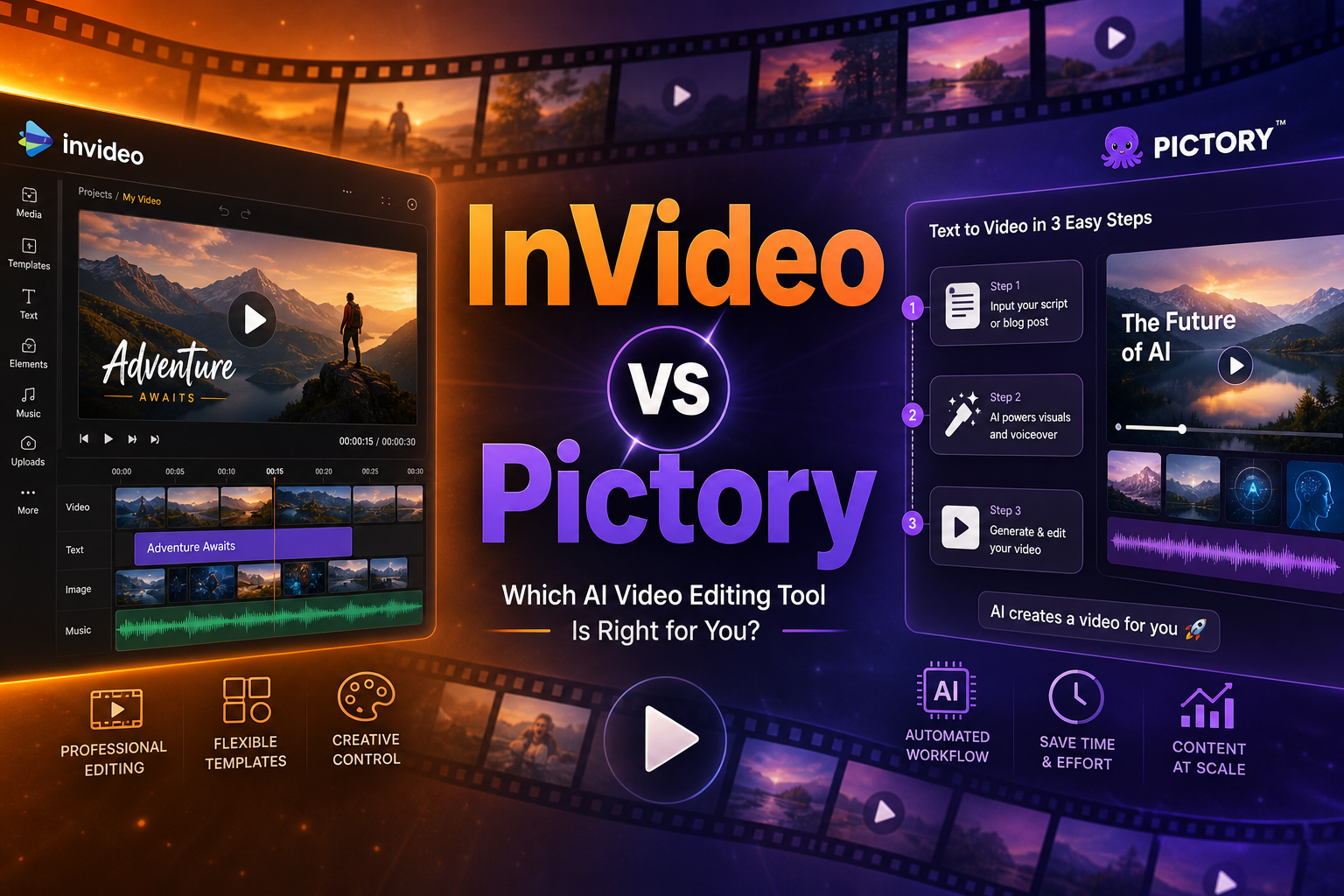
Scenario 1: Solo Freelancer
Imagine: you’re a video editor or content creator working solo. 3–5 clients, each asking for social media videos. Budget is tight, time to learn a new tool is almost nonexistent.
Sites: invideo.io | pictory.ai
InVideo wins this scenario. 6,000+ templates mean you don’t need to start from scratch for 90% of tasks. Need a Reel for a dental clinic? Grab the “Healthcare Promo” template, swap the text, add client photos — and in 15 minutes the video is ready. The deep editor with a timeline lets you fine-tune results when a client asks “can you move that frame by half a second.”
Pictory loses here: it creates videos from text, not from templates. If the client doesn’t have a ready article or script — Pictory is useless. Blog-to-Video and Script-to-Video solve a different problem.
Freelancer’s choice: InVideo. Template variety covers more client requests, and the timeline editor gives control over the final result.
Scenario 2: Content Marketing at a Startup
A startup of 15 people. They have a blog (3 articles/week), email newsletter, LinkedIn page. No video editor on staff. The goal: turn blog posts into videos for YouTube Shorts, Instagram Reels, and TikTok without hiring a dedicated person.
Pictory wins here. Blog-to-Video is exactly the feature needed. Paste an article URL → in 3 minutes you get a finished video with subtitles, branding, and background music. 30 videos per month for $19 — that’s $0.63 per video. Hiring a video editor for the same volume — from $500/month.
InVideo also has Blog-to-Video, but its strength is manual control and templates, which aren’t needed in this scenario. The startup doesn’t need unique design for every video — it needs a conveyor belt.
Startup’s choice: Pictory. Conveyor-belt text-to-video processing with minimal manual intervention.
Scenario 3: Enterprise Marketing (5+ Person Team)
A large company with a dedicated video marketing team. Brand book, strict visual guidelines, multiple channels with different formats. The goal: maintain brand-quality output while scaling.
InVideo suits enterprise teams better. Timeline editor, advanced branding (logo, colors, fonts — at the preset level), 100 iStock media per month on the Max plan, and the ability to fine-tune every frame. The team can create master templates that juniors then fill with content.
Pictory at the enterprise level offers API access and a dedicated manager, but visual output control is limited — AI picks frames itself, and if the brand is demanding about visuals, you’ll spend a lot of time manually redoing them.
Enterprise choice: InVideo. Frame-level control and brand customization matter more than generation speed.
Comparison Table
| Parameter | InVideo | Pictory |
|---|---|---|
| Killer Scenario | Social media templates | Blog-to-Video |
| Template Library | 6,000+ | ~100 |
| Stock Library | Storyblocks | Storyblocks |
| Auto Subtitles | ★★★★☆ | ★★★★★ |
| Timeline Editor | Yes | No |
| Integrations | Zapier, Hootsuite | Hootsuite |
| Affiliate Program | 25% (PartnerStack) | 20% lifetime (FirstPromoter) |
| Minimum Plan | $20/mo | $19/mo |
| Free Trial | Yes (limited export) | Yes (3 videos) |
Affiliate Program: Comparison
Both programs offer recurring commissions, but with different terms. InVideo gives 25% through PartnerStack with repeat payouts on renewal — your income grows with each year of your referral’s active subscription. Pictory offers 20% lifetime through FirstPromoter — the rate is lower, but “lifetime” guarantees income as long as the referral pays, with no time limit.
For an affiliate with a content creator audience, InVideo is more attractive: higher rate, more visual promo materials, broader audience. For bloggers and SEO specialists, Pictory may deliver better conversion — the product solves a specific pain point (article repurposing) that’s easy to demonstrate.
Final Verdict
There’s no “best” tool — only the right one for your scenario. InVideo wins on versatility and output control. Pictory wins on Blog-to-Video automation and content conveyor-belt processing.
If in doubt — test both. Free trials let you do this risk-free. EN_INVIDEO_PICTORY" 2>&1