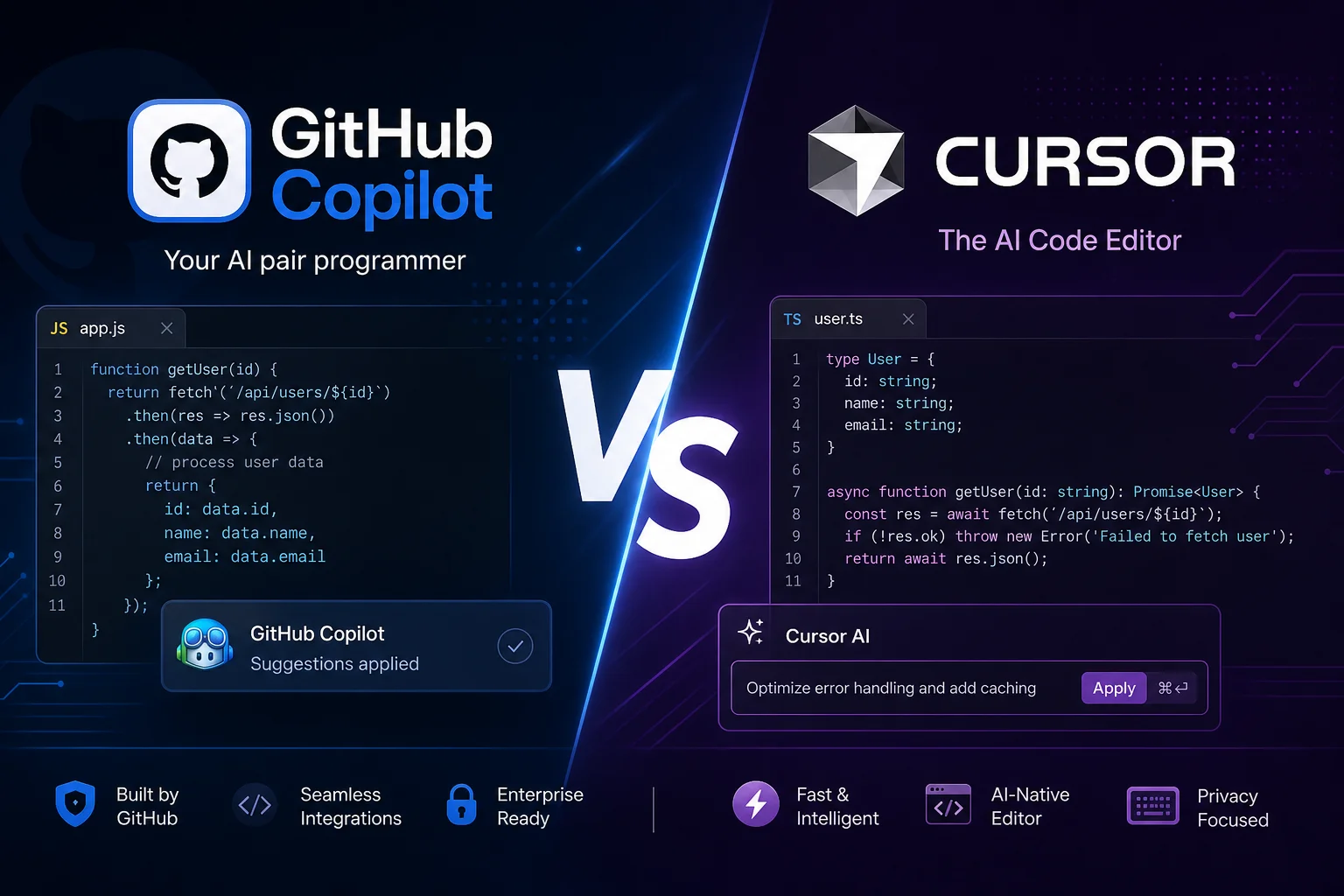
GitHub Copilot vs Cursor: Two Approaches to AI Development
The choice between Copilot and Cursor is really a choice between two AI coding philosophies. Copilot integrates into your familiar IDE and helps as you go. Cursor is a standalone editor (VS Code fork) where AI is the main character, not an assistant.
Sites: github.com | cursor.com
Both use powerful LLMs under the hood, both offer Agent Mode, both have chat. But the devil is in the details: one saves you seconds on every line, the other handles entire tasks.
Functional Comparison
| Feature | GitHub Copilot | Cursor |
|---|---|---|
| Autocompletion | Lines and blocks | Lines + next-edit prediction |
| Context Chat | Tabs + Knowledge Bases | Entire codebase + docs |
| Agent Mode | ✓ Autonomous tasks | ✓ Composer: full features |
| Inline Editing | Partial (via chat) | ✓ Cmd+K |
| IDE Integration | VS Code, JetBrains, Neovim | Cursor IDE only |
| Model Selection | GitHub models only | GPT-4o, Claude, Gemini |
| Code Review | ✓ | ✗ |
| Free Tier | ✓ 2,000 completions/mo | ✓ Hobby (200 requests) |
| Price (Pro) | $10/mo | $20/mo |
When to Choose What
Choose GitHub Copilot if:
- You’re in the GitHub/VS Code ecosystem
- You need IDE integration without switching tools
- Working in a team — save $10/person/month
- Compliance and IP indemnification matter
- You want autocompletion, not a full AI developer
Choose Cursor if:
- Willing to switch editors for better AI
- Writing complex features where autonomous agents save hours
- Want to choose models per task (Claude for architecture, GPT for speed)
- Solo developer or small team where $20/mo is fine
- Need AI that sees the ENTIRE project
Pricing for Teams
| Scenario | Copilot | Cursor |
|---|---|---|
| Solo developer | $10/mo | $20/mo (Pro) |
| Team of 10 | $190/mo (Business) | $400/mo (Business) |
| Enterprise 100+ | $39/user/mo | Custom |
Copilot is significantly cheaper for teams — 2× savings at all levels.
Verdict
Copilot vs Cursor isn’t “better/worse” — it’s “different tools for different styles.” Copilot is like autopilot in a car: helps you steer, but you’re still driving. Cursor is like a taxi: says “I’ll drive,” and you can relax (or nervously watch the road).
Practical tip: many developers use both. Copilot for daily coding in their main IDE, Cursor for complex features and refactoring. Annual subscription for both = $360 — less than one developer’s daily rate.